















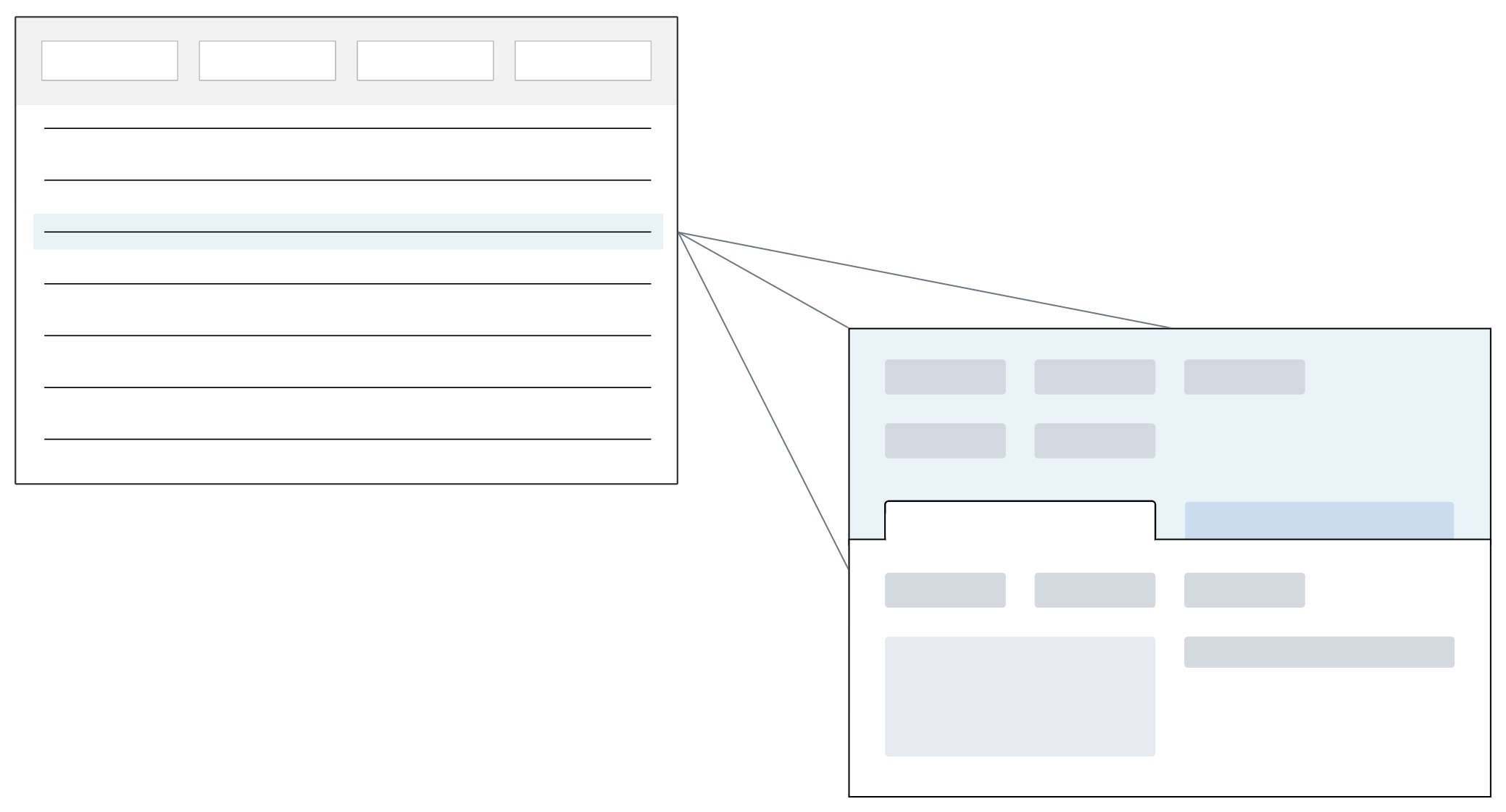
The initial application view is the list form. From there, you can open a record in the detail form and see additional fields related to the selected record. The information for each record is independent of other records in the table.
Styles
Different styles can be applied to a Standard application, such as:
Standard—Displays data in a list form where you can edit records or open the list form to a detail form.Mini App—Opens a mini application over another application. You can search records without the main application closing. A mini app can be opened from the navigation menu or through an application action.Header—Configured as part of a Header Detail application. This style can't be selected from the Create Application window. You must either create the application in the Header Detail application or change the style once the application record is created.Detail—Configured as part of a Header Detail application. Learn more in the Header Detail application topic. This style can't be selected from the Create Application window. You must either create the application in the Header Detail application or change the style once the application record is created.Card—Displays application records in a card format, rather than in a list form. Summary data for each record can be seen and visualized within the card.