

Bulk inventory scrap processing
Problem
Scrapping inventory means entering every item one line at a time, even when those items are already sitting together in a designated scrap location. That manual entry doesn't scale. High-volume scrap events turn into hours of repetitive data entry, and every manual line is a chance for a mistyped quantity or a missed item to slip through.
Solution
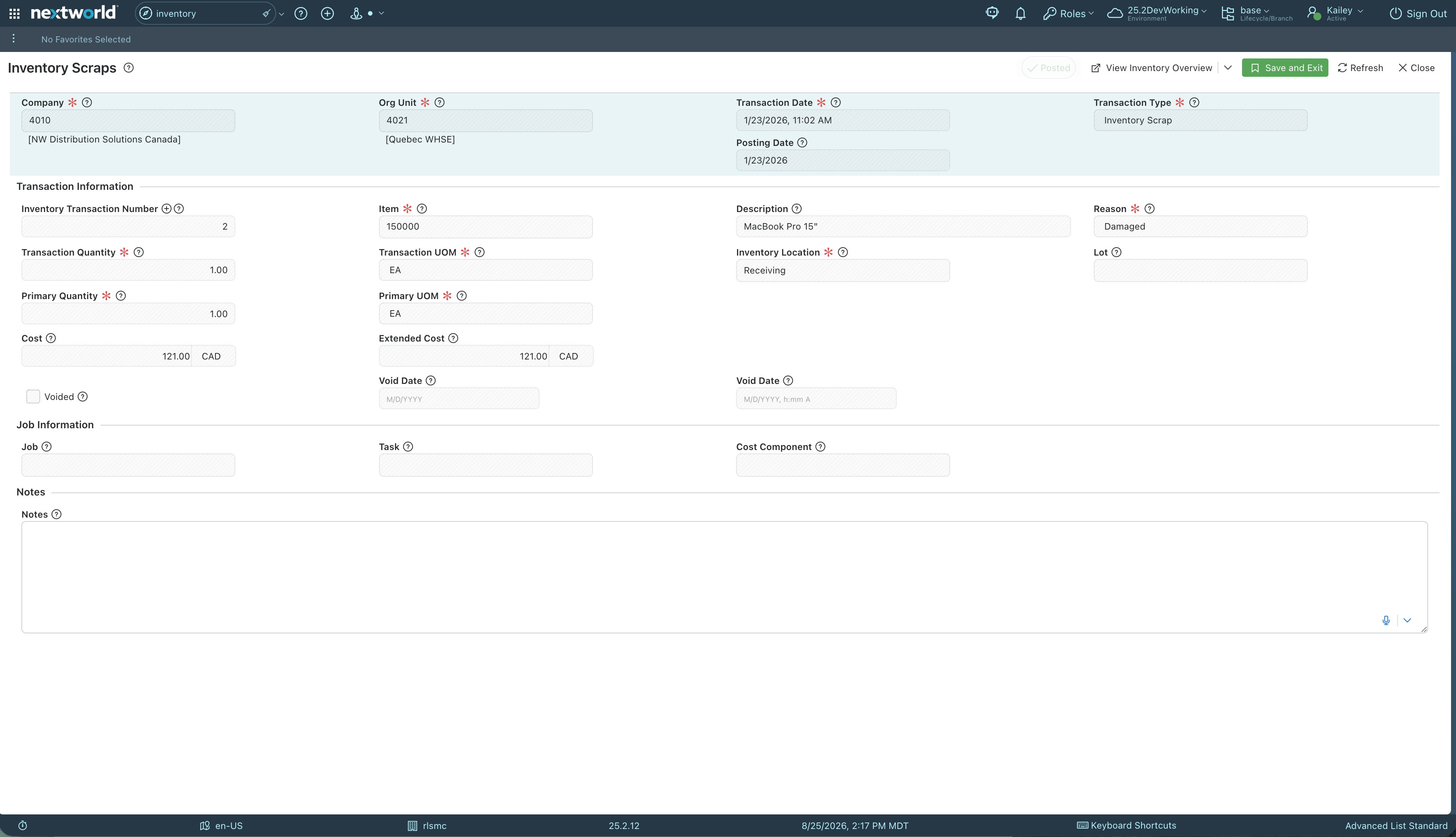
Users can designate any location as a scrap location, with defaults available at the org unit or item level so items land in the right place without extra setup at scrap time. From there, a single bulk load pulls every item sitting in those locations directly into the Inventory Scraps application, eliminating line-by-line entry. Users can still review, edit, or remove any loaded row, and nothing is processed until they explicitly save and exit, keeping a manual checkpoint in place even though the loading itself is automatic.
At a glance
Vertical
Manufacturing
Distribution
Logistics
Used By
Operations
Supply Chain
Building Blocks

Custom Applications

Logic Blocks

Human-in-the-Loop

Building Blocks
This solution was built using these Nextworld features
Custom Applications
The Inventory Scraps App receives the bulk-loaded rows directly, where users can review, edit, or remove entries before finalizing.
Logic Blocks
Identifies items sitting in locations designated for scrap and loads them directly into the Inventory Scraps application as rows ready for review.
Human-in-the-Loop
Users review the loaded rows and must manually save and exit for the records to process, acting as a deliberate checkpoint before anything commits.







Powering the teams behind modern operations
What will you build with Nextworld?
Bring us the process that costs you the most, and we’ll show you how it runs on an ERP you grow into, not out of.
